The Arrivio driver app. Download it.
A real native app for iPhone and Android — not a bookmark. Install it once from the App Store or Google Play, sign in with the credentials your dispatcher gave you, and start your route.
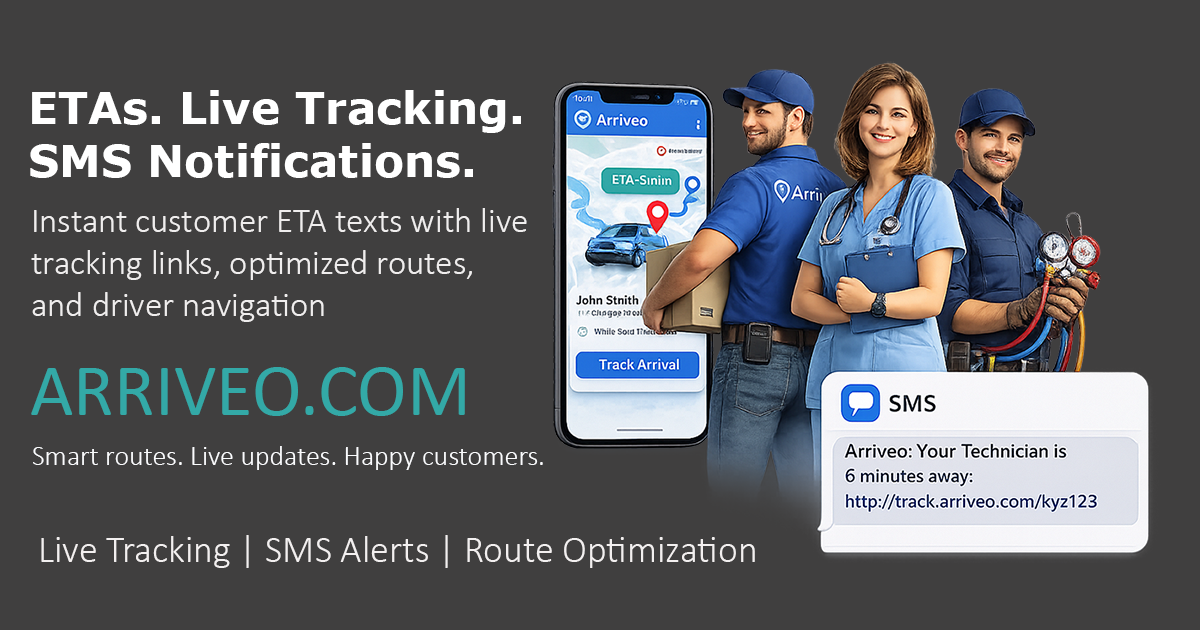
Built for drivers, not for office chairs.
Everything you need to knock out your route — nothing you don't.
Turn-by-turn navigation
Built-in Google Maps directions to every stop on your route.
Live GPS tracking
Customers see your real-time location and an accurate ETA.
Push notifications
Get instant alerts when routes, stops, or schedules change.
Photo proof of delivery
Snap a photo at each stop and capture customer signatures.
Optimized routes
Routes are pre-planned in the most efficient driving order.
Works offline briefly
Route data is cached so short signal drops won't slow you down.
Get going in under a minute
- 1
Download the app
Tap the App Store or Google Play button above on your phone.
- 2
Sign in
Use the email and password your dispatcher sent you.
- 3
Start your route
Your stops are already loaded. Tap Start and go.
Already installed? Open the app from your home screen — no need to visit this page again.
Sign inYou're on a computer
The Driver app runs on iPhone and Android phones only. Grab your phone and visit arriveo.com/driver-app — or scan the QR codes we'll post here once the apps are live.